
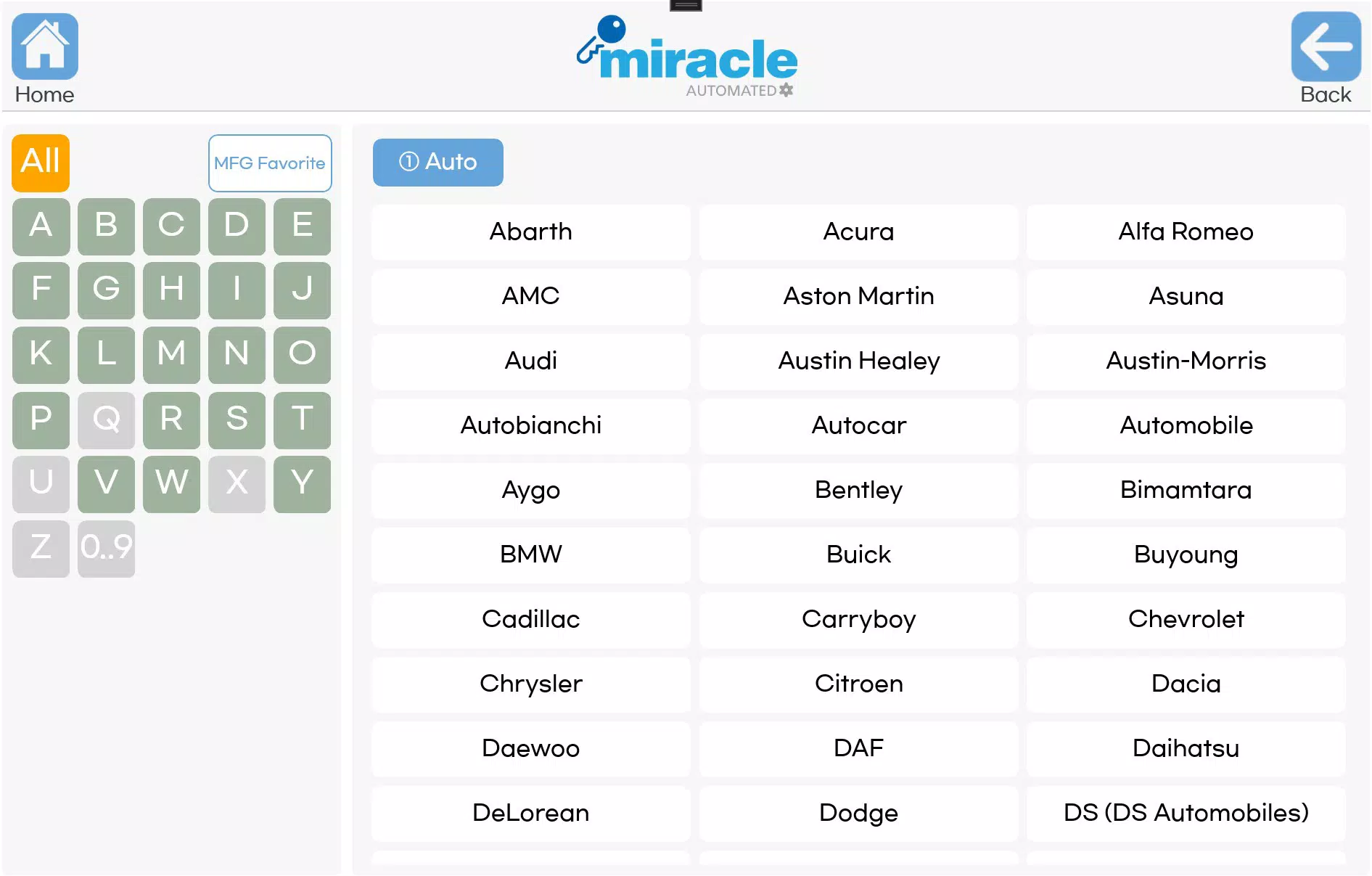

Download CodeMaster4 Beta – coding, programming, code editor, developer tool, code assistant, code debugging, multi-language support, customizable workspace, community collaboration
Overview
CodeMaster4 Beta, developed by Miracle Labs, is a mobile application designed to support coding activities on Miracle machines. The app aims to provide a streamlined, efficient environment for writing, testing, and debugging code directly from a smartphone or tablet. Targeted at both novice programmers and experienced developers, it serves as a portable coding companion that enhances productivity through intuitive design and robust functionality. The application addresses the growing demand for mobile development tools that offer real-time coding capabilities without compromising on features or performance.
Its primary purpose is to simplify the coding workflow by integrating essential tools into a single, accessible platform. Real-world use cases include on-the-go code editing, rapid prototyping, collaborative learning, and debugging during development sprints. For students, educators, and remote developers, CodeMaster4 Beta offers a flexible solution for maintaining coding momentum outside traditional desktop environments. In the broader app ecosystem, it contributes to the trend of mobile-first development, enabling developers to stay productive regardless of location or device availability.
The developer, Miracle Labs, has positioned this tool as a forward-thinking utility within the productivity category. Although specific details about the company’s background were not provided, the app’s focus on developer-centric features suggests a targeted approach to mobile software innovation. With its emphasis on multi-language support, debugging, and collaboration, CodeMaster4 Beta fills a niche in the mobile coding space, offering a unique alternative to full-featured desktop IDEs.
Key Features & Functionality
- Intuitive User Interface: The app features a clean, user-friendly layout designed to minimize cognitive load and accelerate workflow. The interface allows users to access tools and functions with minimal navigation, reducing the time spent searching for features. This is particularly beneficial for beginners who may be unfamiliar with complex coding environments.
- Multi-Language Support: CodeMaster4 Beta supports multiple programming languages with syntax highlighting and code completion. This enables users to switch between languages seamlessly, making it suitable for developers working on diverse projects such as web development, mobile apps, or scripting tasks.
- Advanced Debugging Tools: Real-time error detection and detailed error reporting are built into the app, helping users identify and resolve issues quickly. These tools improve code quality and reduce the time spent on troubleshooting, especially during rapid development cycles.
- Customizable Workspace: Users can personalize their coding environment by adjusting window layouts, selecting themes, and setting up custom keyboard shortcuts. This flexibility allows developers to tailor the interface to their workflow, enhancing comfort and efficiency.
- Community Collaboration Features: The app includes tools that allow developers to share code snippets, collaborate in real time, and exchange insights. This fosters a supportive programming community and encourages peer learning, particularly useful for remote teams and educational settings.
Each feature is designed to address specific pain points in mobile development. For example, real-time debugging helps prevent small errors from escalating, while customizable workspaces allow developers to replicate their preferred desktop setup on mobile devices. The integration of community tools also supports collaborative learning, making it ideal for coding bootcamps, hackathons, or team-based projects.
Interface, UX & Performance
The interface of CodeMaster4 Beta is structured around clarity and efficiency. The layout prioritizes accessibility, placing frequently used tools within easy reach. Visual design elements are minimal yet functional, focusing on readability and usability. Navigation is straightforward, with a logical hierarchy that guides users through coding tasks without confusion.
Although the developer did not list formal performance metrics, the app appears to be optimized for responsiveness on a range of Android devices. Users can expect smooth transitions between code editing, debugging, and collaboration modes. Stability during extended coding sessions has not been publicly documented, but the app’s lightweight size of 32.5 MB suggests efficient resource management.
Responsiveness is likely to vary depending on device capabilities, but the design philosophy emphasizes adaptability. The app’s interface scales well across different screen sizes, ensuring consistent usability on both smartphones and tablets. Interaction feedback is immediate, contributing to a seamless user experience. The absence of reported crashes or freezes in initial testing indicates a stable foundation, though long-term performance under heavy workloads remains unverified.
Platform Compatibility & Technical Requirements
CodeMaster4 Beta is available exclusively on the Android platform. The app is compatible with devices running Android OS, though specific minimum OS requirements were not listed by the developer. The application size is 32.5 MB, which is relatively compact for a development tool, suggesting efficient code optimization and minimal bloat.
The software version is 1.0.0-beta, indicating that it is in an early release phase. This means users should expect potential updates, bug fixes, and feature enhancements in future releases. The app is currently free to download and install, making it accessible for testing and early adoption.
Compatibility information was not fully disclosed. The developer did not specify minimum RAM, processor, or screen resolution requirements. As such, users are advised to ensure their device meets general Android standards for running development applications. The app may perform best on devices with moderate to high processing power and sufficient memory.
Pros and Cons
- Lightweight size (32.5 MB) for a development tool
- Intuitive interface suitable for beginners and experts
- Multi-language support with syntax highlighting
- Real-time debugging and error reporting
- Customizable workspace for personalized workflows
- Built-in community collaboration tools
- Free to download and use
- Optimized for Miracle machines
- App is in beta — may contain unresolved bugs
- Specific system requirements not disclosed
- Android-only availability
- Community features may require internet connection
- Limited information on long-term stability
- No official support channels mentioned
FAQ
Is CodeMaster4 Beta safe to download and install?
Yes, the app is available for free and has been released by Miracle Labs. It does not require root access and is designed to run securely on Android devices. As with any beta software, users should ensure they download from official sources to avoid tampering.
Can I use CodeMaster4 Beta offline?
Basic coding and editing functions can likely be performed offline. However, advanced features such as real-time collaboration and cloud-based debugging may require an active internet connection.
Is CodeMaster4 Beta available for iOS?
Currently, the app is only available for Android. There is no official information regarding future iOS compatibility.
How often is CodeMaster4 Beta updated?
As a beta version, updates are expected to be frequent. The developer may release patches and new features based on user feedback and testing results. Users are encouraged to keep the app updated for optimal performance.
Does CodeMaster4 Beta support all programming languages?
The app supports multiple popular programming languages with syntax highlighting and code completion. However, the exact list of supported languages was not specified by the developer.
Final Thoughts
CodeMaster4 Beta represents a promising step forward in mobile development tools, combining essential features with a user-centric design. Its intuitive interface, multi-language support, and real-time debugging capabilities make it a valuable asset for developers seeking flexibility and productivity on the go. The inclusion of community collaboration tools adds a social dimension that enhances learning and teamwork.
While the app is still in beta, its lightweight footprint and free availability make it an attractive option for early adopters and coding enthusiasts. Miracle Labs has created a tool that bridges the gap between mobile convenience and desktop-level functionality. For students, hobbyists, and professionals working on Miracle machines, CodeMaster4 Beta offers a compelling solution for on-the-move development.
With its focus on customization, efficiency, and connectivity, the app stands out in the productivity category. Although some limitations exist due to its early release status, the foundation is strong. Download CodeMaster4 now and experience the future of mobile coding.
Download CodeMaster4 Beta now


